

Sensing input to Canvas
Know who is at the door that matters.
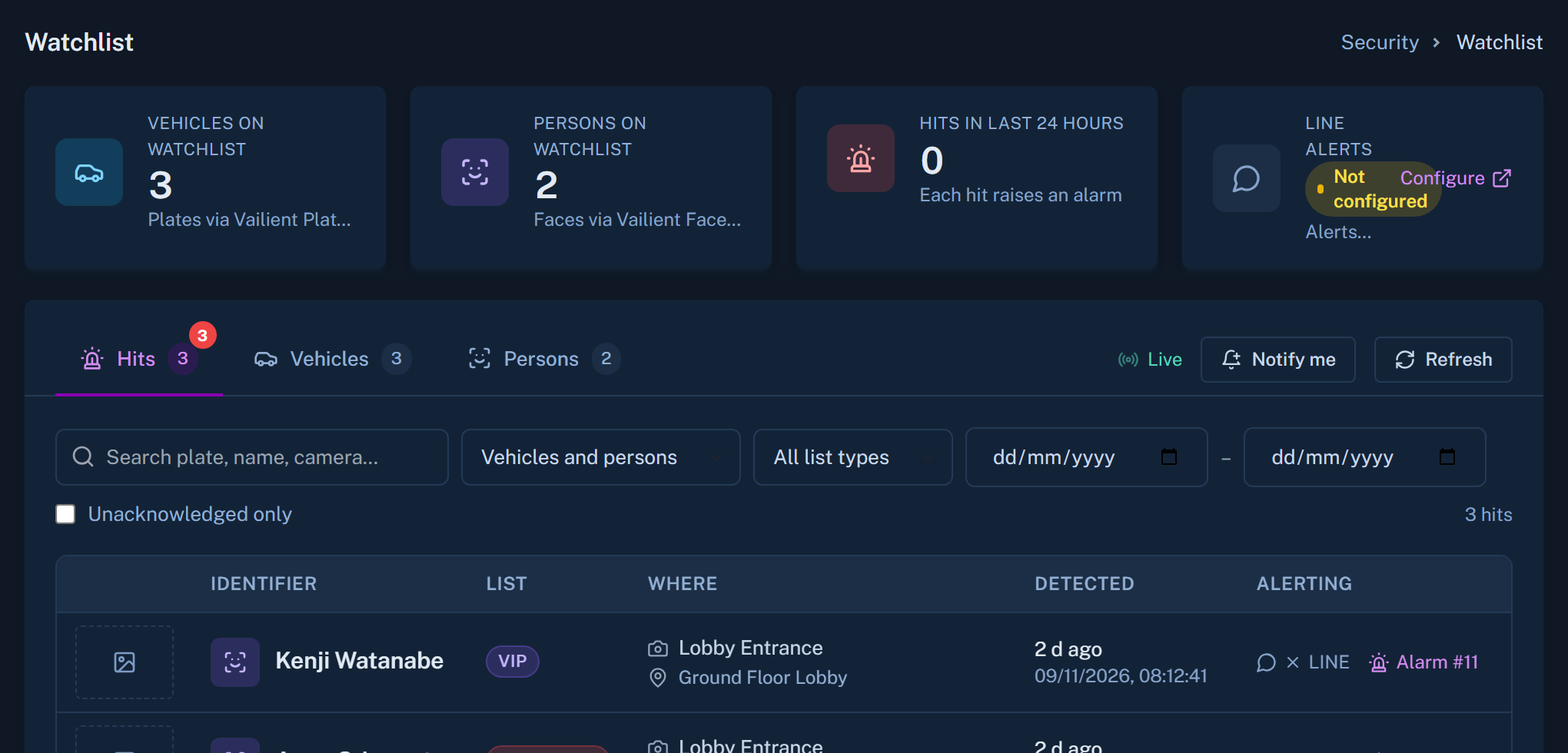
Faces is a sensing input to Canvas, used at entry points and for access control. It reports identity events, and Canvas decides what happens next.
Purpose and limits
For entrances and access control. Not for watching your staff.
Faces is built for the places where identity is the point: a controlled entrance, a restricted room, a registered visitor. It is not a tool for monitoring people as they work, and we do not sell it that way.
- Identity events at entry points
- Dossiers kept and synced by your own team
- Compliance for your jurisdiction stays with you

What Canvas does with the events
From a match to an outcome
Link the person
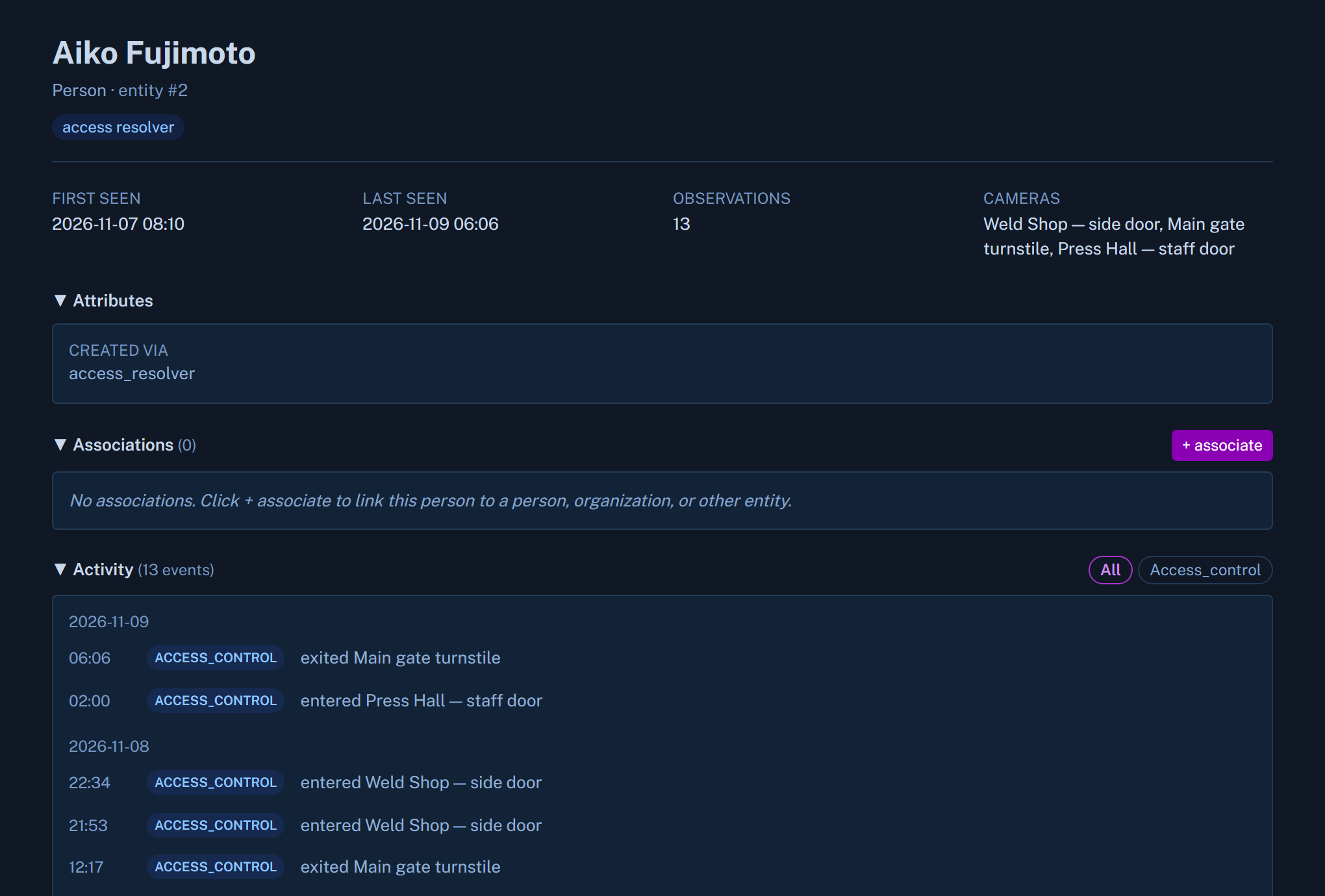
Canvas ties the identity event to the same person in your access-control records.
Sync across servers
Canvas can sync dossiers across multiple Faces servers, so every entrance works from the same list.
Start the procedure
An event can raise a ticket and start the matching SOP.
On your premises
Processing stays inside your perimeter.
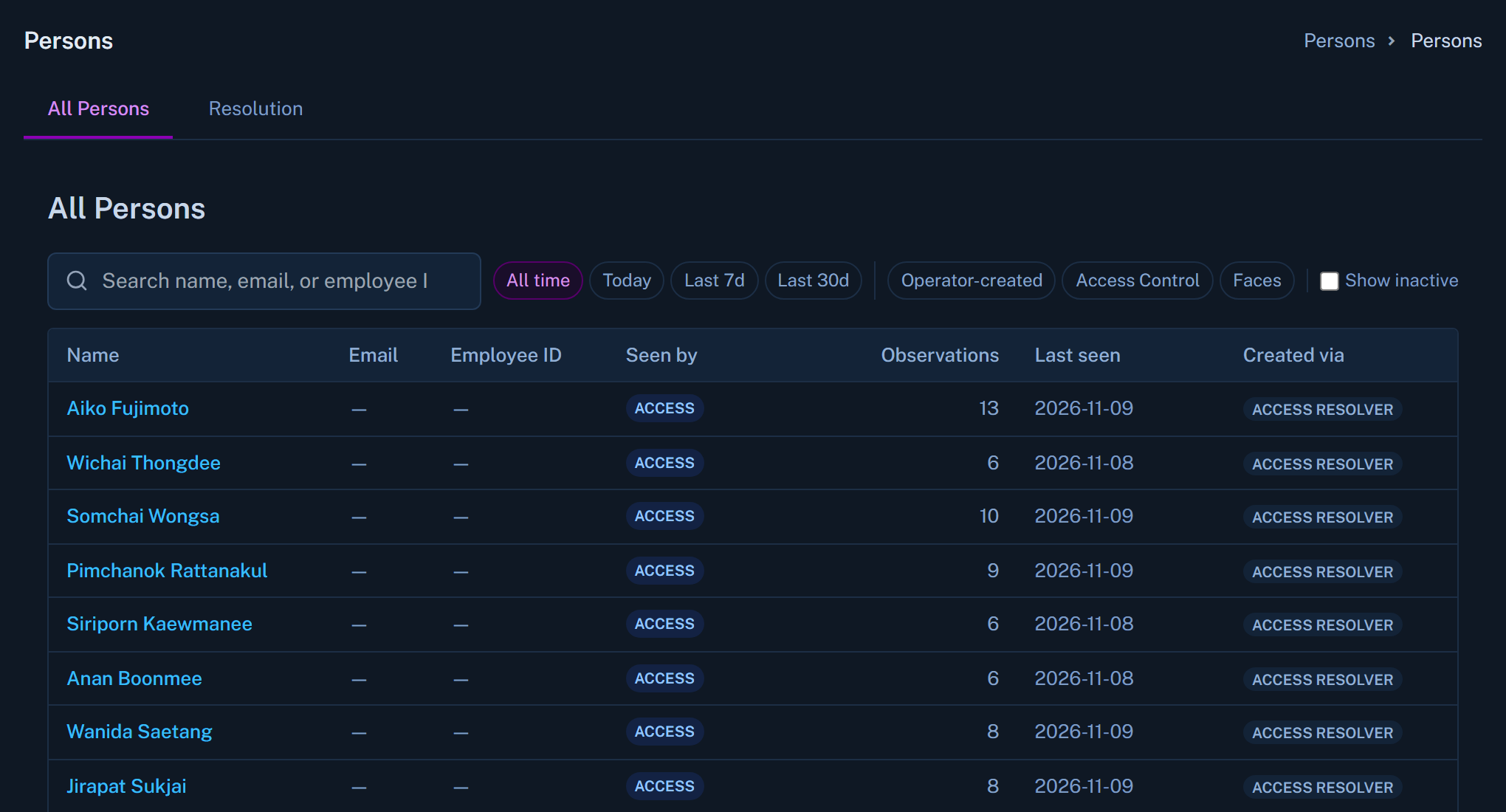
Faces runs on the customer's premises. The data stays with you, and you decide who can reach it.
Talk through your entrances with us.
We will tell you plainly where Faces fits and where it does not.