

Capability: Automations and SOPs
When something happens, the right procedure starts itself.
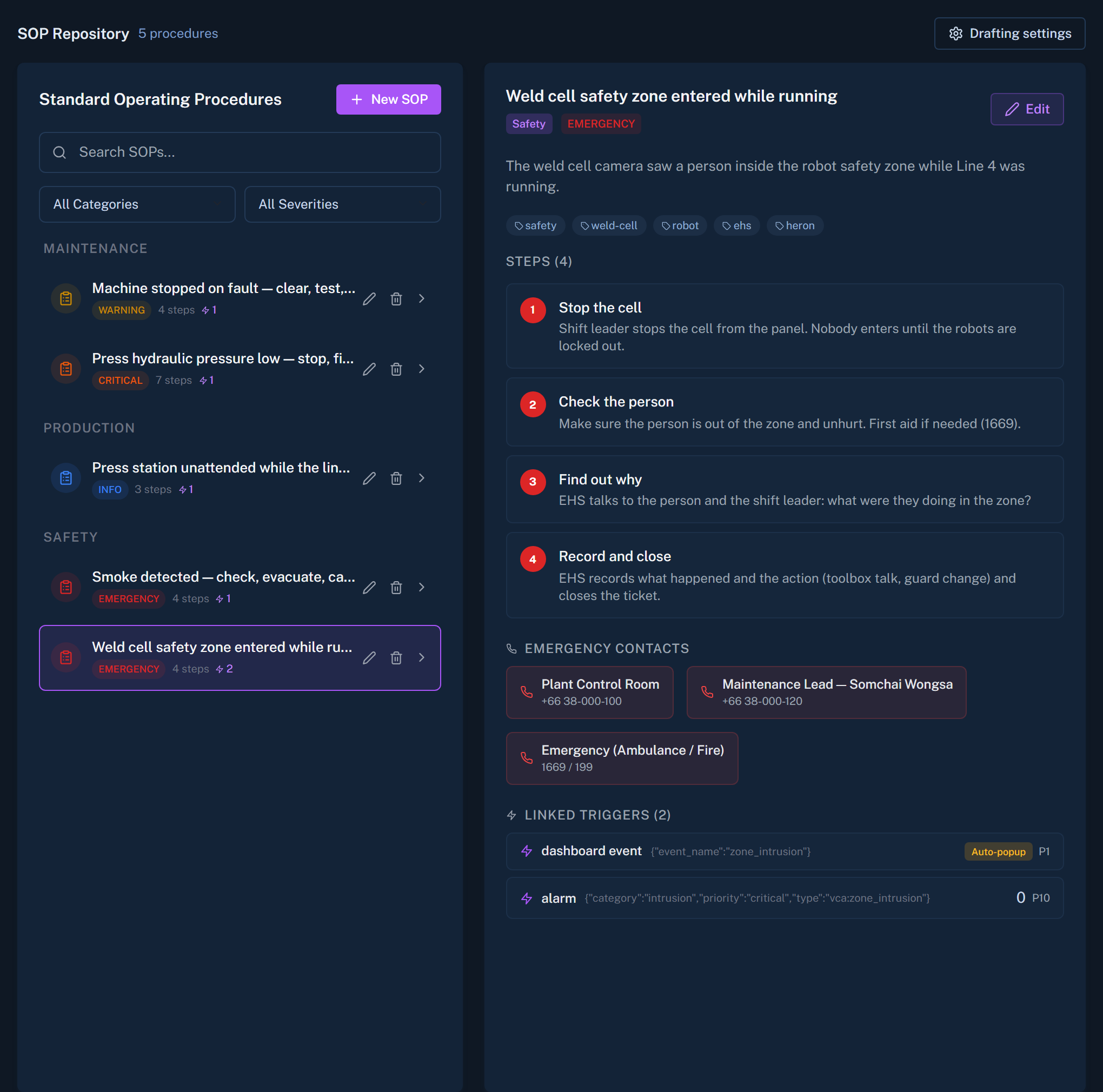
A threshold is crossed, an asset changes state, an event arrives. Canvas starts the procedure your team already agreed on and tells the people who need to act.
Two tools, two jobs
Procedures for events. Flows for routines.
SOPs
A standard procedure that starts on a condition: an asset state, a threshold breach or an event. Canvas drafts the steps. A person reviews them before they are used.
Automations
A multi-step flow described in plain language and started by a schedule or a change in an asset. Every run keeps a timeline.
Building an automation
Describe it, check it, then trust it
Describe the flow
Write what should happen in plain language.
A planner drafts it
Canvas turns the description into steps.
Run it dry
See exactly what it would do before it does anything.
Add approval where it matters
Any step can wait for a person to say yes.
Where it fits
Inputs in, people informed
Sensors, systems and detections feed Canvas. Canvas decides what procedure applies and informs the people responsible.
Sensing inputs, the engine, and outputs to people.
Limits, stated plainly
Can an automation switch a device on or off?
No. Automations notify people by text, through LINE, Telegram or Microsoft Teams. They do not operate devices.
Who writes the SOP?
Canvas drafts it. A person reviews it. Only reviewed procedures are used.
Turn the binder on the shelf into a live procedure.
Choose one procedure your team already follows. We will show it starting itself.