

Use case
Every vehicle at the gate becomes something the site can act on.
Plate reads from Vailient Plates enter Canvas as events, so gate staff, plant managers and building teams work from the same record.
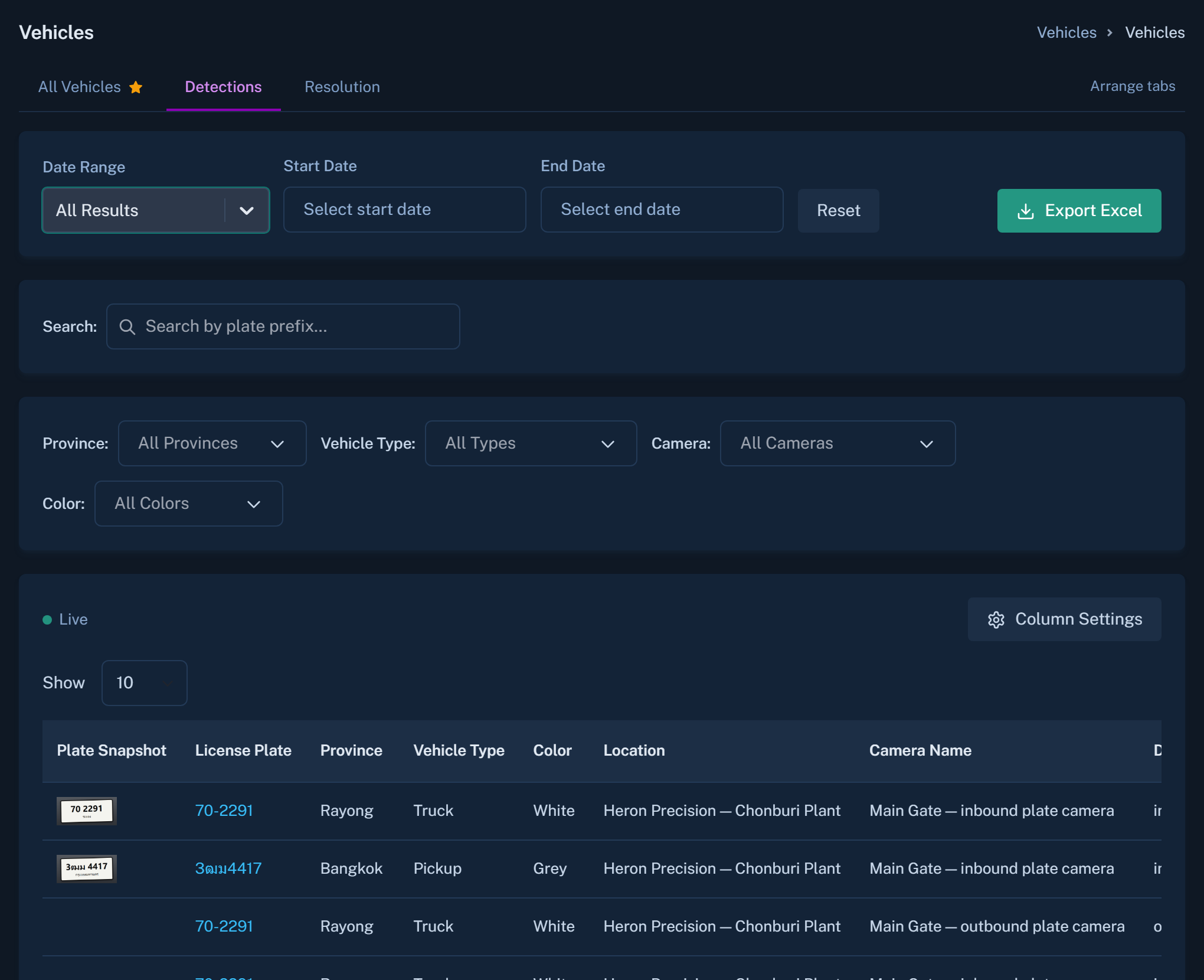
From a plate read to a response
A plate is recognised, checked against what the site expects, and routed. A known supplier truck is simply logged. Something unexpected opens a ticket.
- Time on site for each vehicle, and where it was last seen
- Rules for who is expected and when
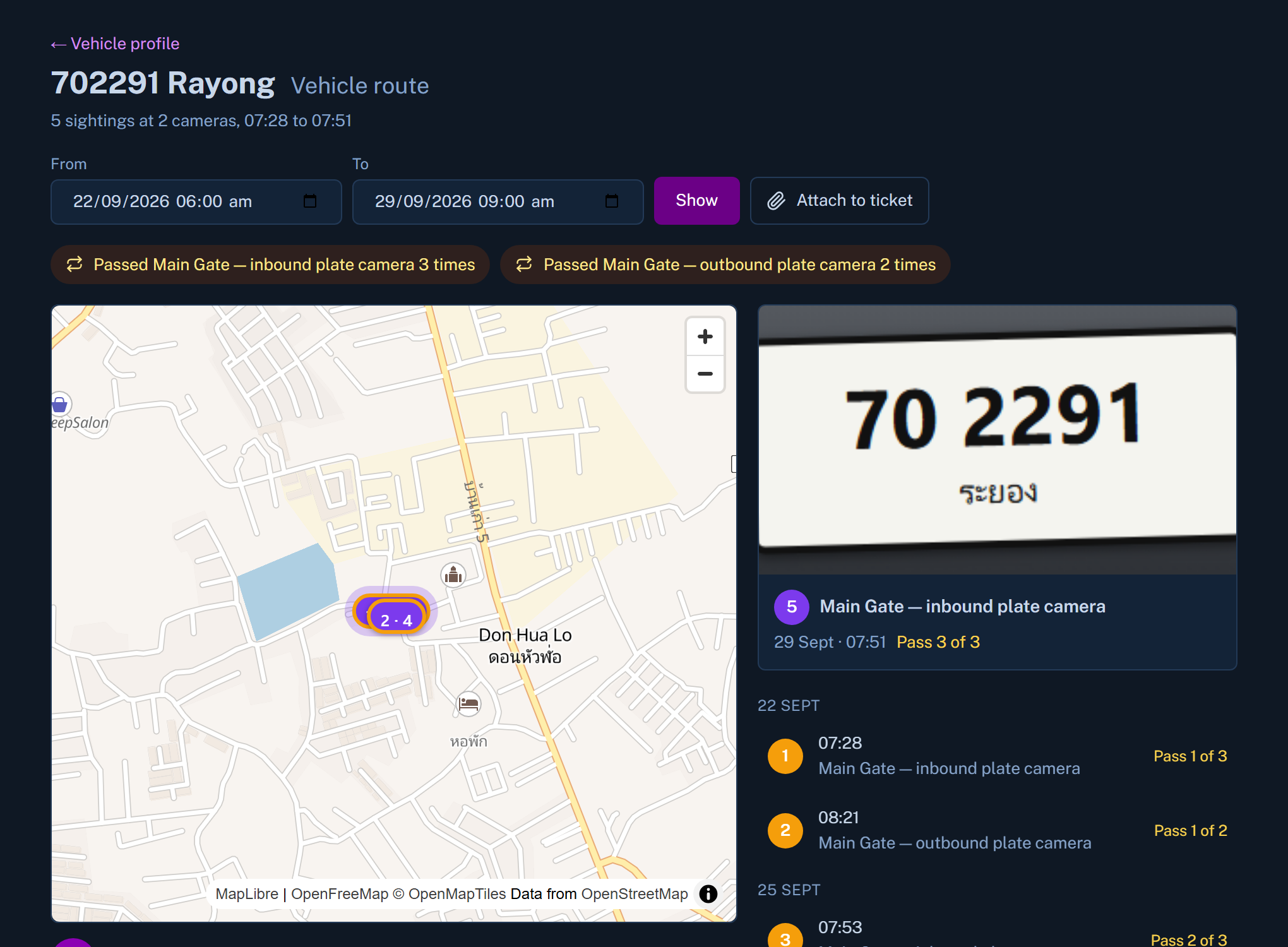
- Cameras placed on the map for context
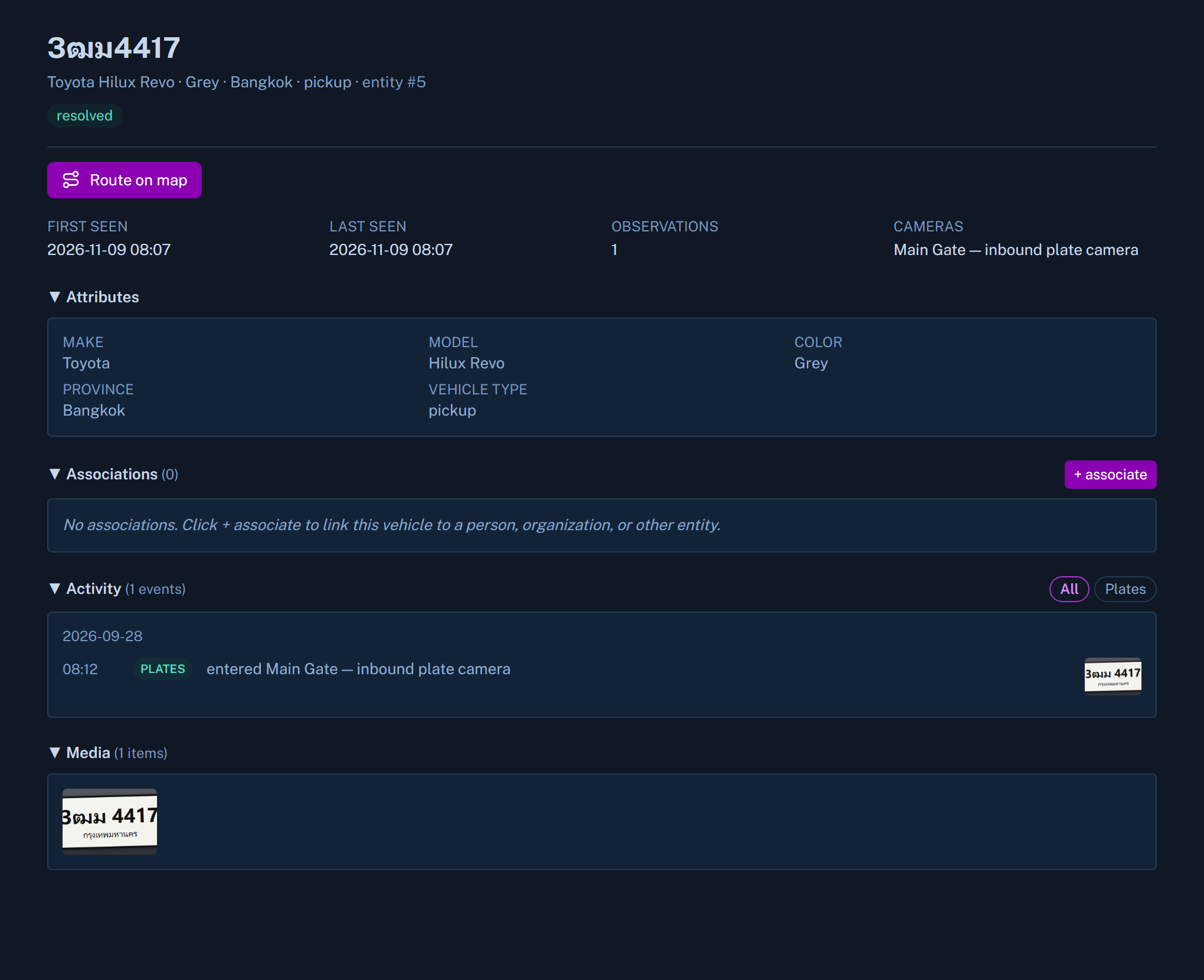
How a site sets it up
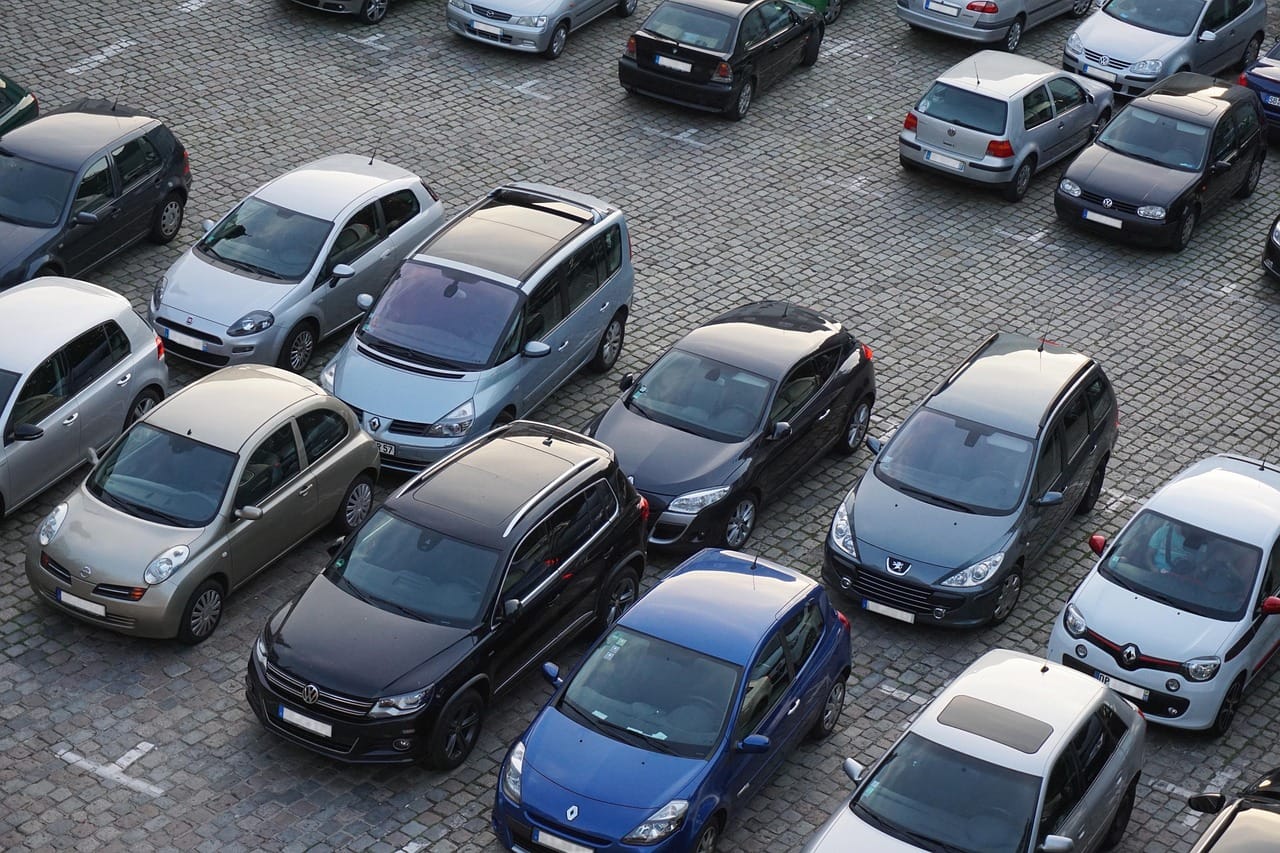
Place the cameras
At the gate, the barrier or the car park entry.
Define the rules
Who is expected, and what should be done when someone is not.
Route the events
Choose who is told and how.
Mitsui Bussan
Supplier truck dwell time at a Samut Prakan factory
How plate reads at the gate became an operational view of waiting time.
A supplier gate at a Samut Prakan factory
Read the storyTurn the gate into a source of facts.
Request a demo and see plate events in Canvas.