

Trust center
Your operational truth stays where you can see it
Canvas gives you custody of your own copy of operational truth, inside your own perimeter. This page says plainly how that works and what we can and cannot yet state.
Custody
You hold it. We do not take it.
Operational data from your systems is resolved into one picture that you keep, on infrastructure you choose. Custody means you hold the copy and decide where it lives. It does not depend on a vendor keeping it for you.
- One copy of operational truth, held inside your own perimeter
- Deployment you choose: Windows installer, Docker on Linux, cloud or hybrid
- Delivered through a systems integrator partner who works inside your environment
How it is built
What protects a connection
Plain statements about how Canvas behaves today.
Each connection in its own sandbox
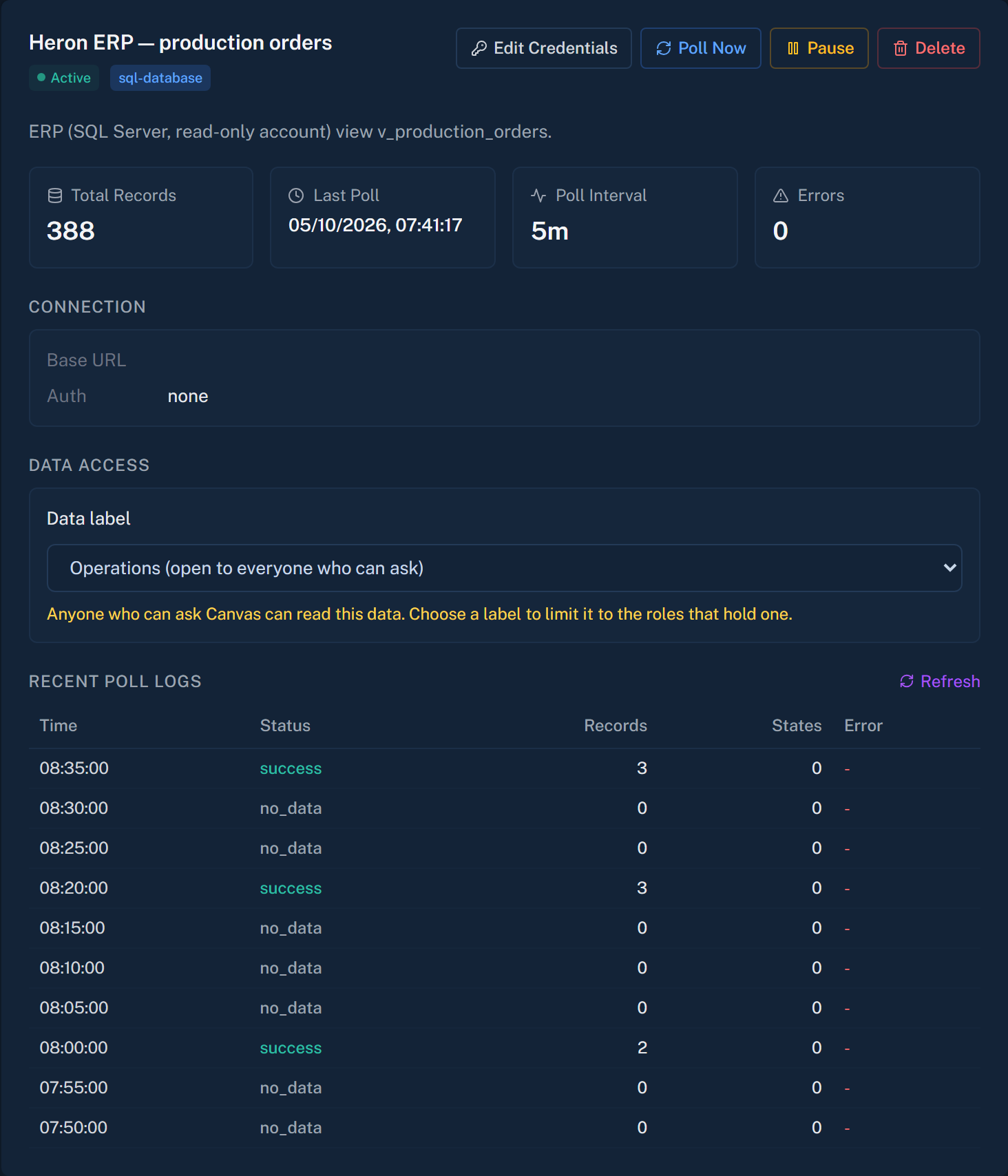
Every integration runs in its own sandboxed runtime, so one connection does not reach into another.
Connected assistants read, they do not write
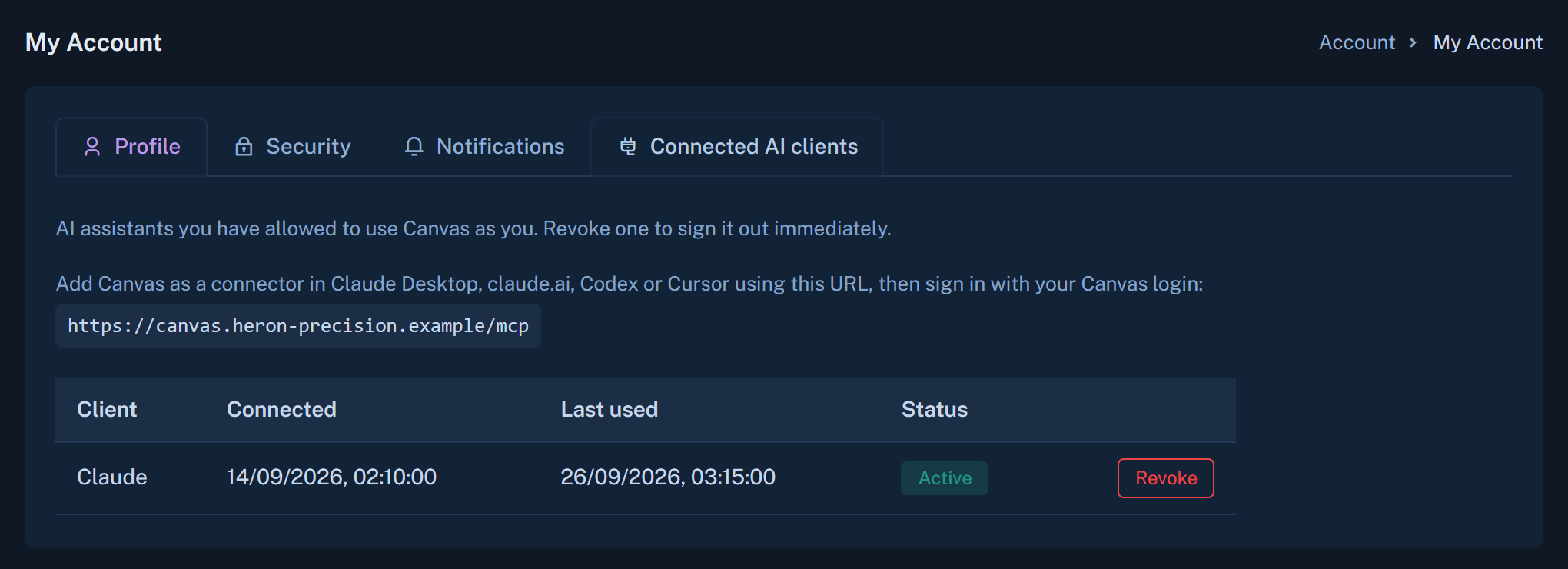
An AI assistant you connect can read your approved context and ask data questions. It is read-only, and each person signs in with their own Canvas account. Removing the account ends that access.
Permissions at feature level
Today you decide which people can use which features of Canvas.
Chosen deployment shape
Run Canvas on a Windows machine, in Docker on Linux, in the cloud, or in a hybrid of on-site sensors and a cloud dashboard.
Compliance and attestations
[CONFIRM: certifications and attestations the business can state]
We make no compliance claim on this page until the business has confirmed it in writing. Ask us and your partner what applies to your deployment.
Ask us the hard question about your data
Bring your security team to a demo. We will answer plainly, and say where something is not yet available.